
You can use the SSH settings to generate an SSH certificate for the li-admin users.
Go to Configure >> Settings >> System >> SSH Settings.
Select the LogPoint instances where you want to configure the SSH settings.
Click Next.
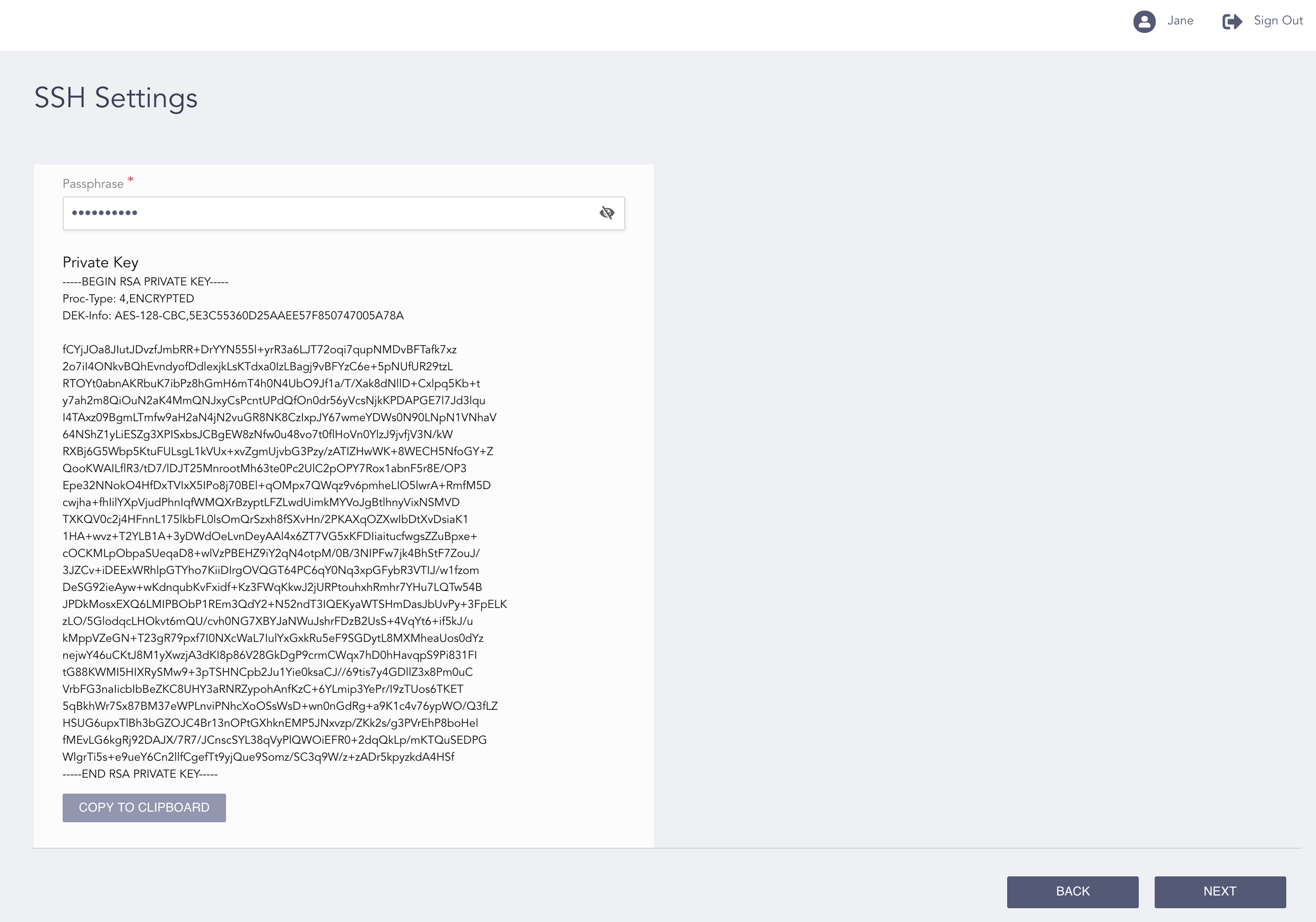
Configuring the SSH Settings
Enter a Passphrase to generate a Private Key. You can view the private key for your passphrase at the next SSH settings operation. If a private key is present, it belongs to the passphrase that you used in your previous SSH settings operation.
4.1. Click the View ( ) icon to view your passphrase.
Note
Make sure to save or note down your passphrase. You cannot retrieve it once the configuration is complete.
Click Copy to Clipboard to copy the private key.
Click Next.
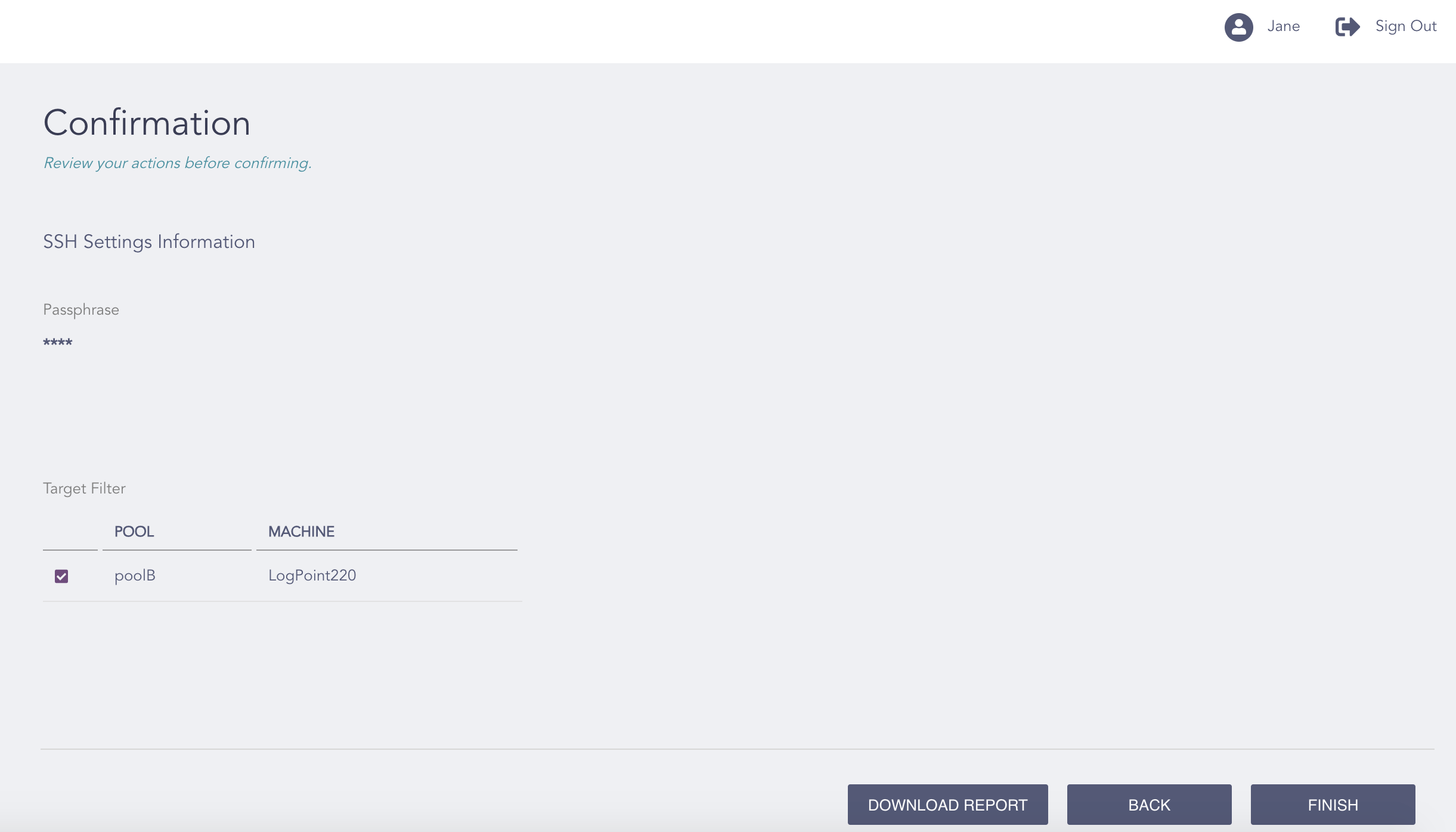
Confirming the Changes
Review your changes. You can go Back to make any changes if necessary.
Note
Click Download Report to save the summary of the task in PDF.
Click Finish.
Click OK.